
Rebond 1.1, easier to read and to play
The ball that plays the rhythm gets larger text, 44-point buttons and settings that open as a panel, so the surface stays playable while you tune.
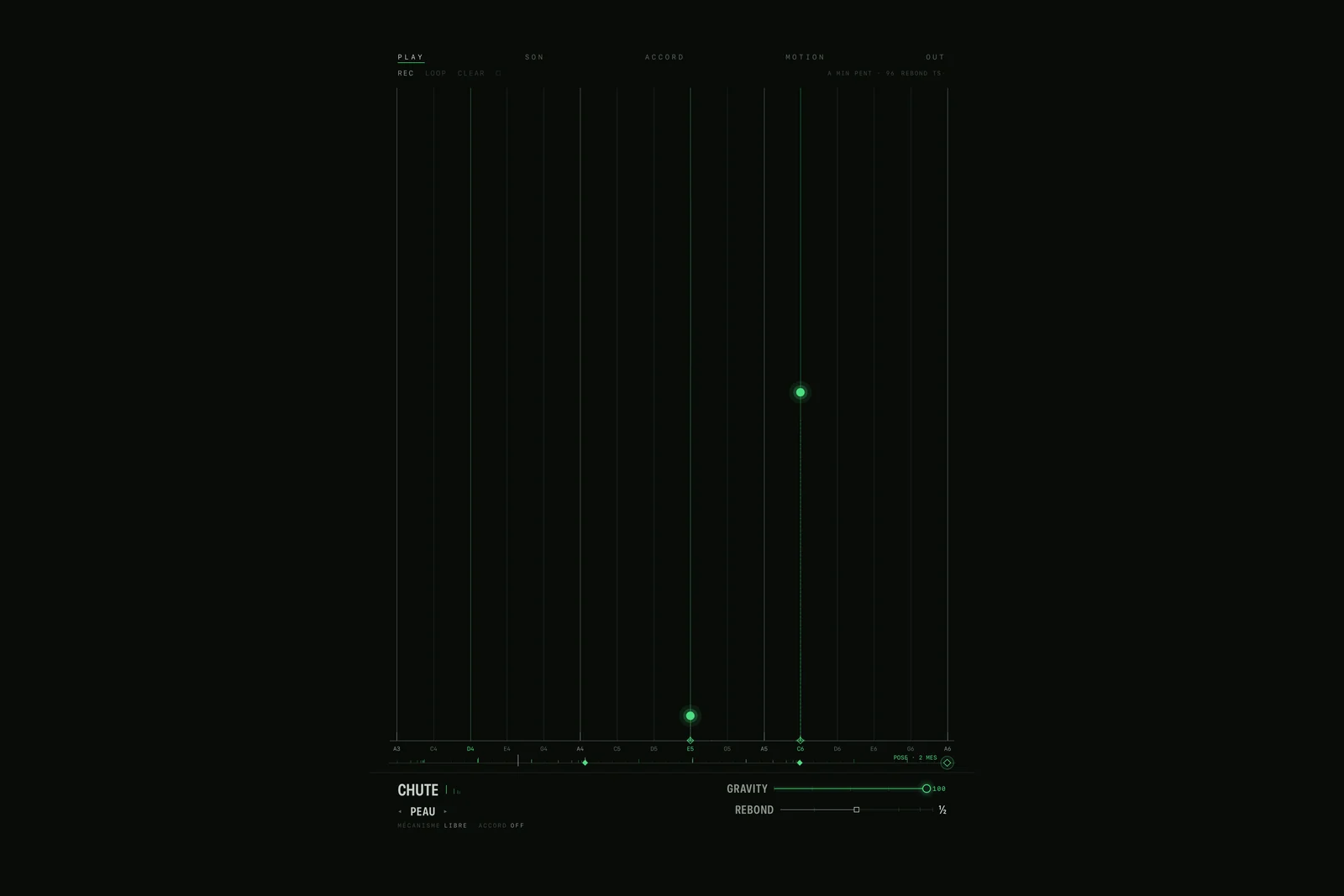
Rebond is a ball. You throw it with one finger onto a pad, it falls, bounces, and every bounce is a note: the higher, the louder. The bounces tighten as they would in real life, down to the final roll, so one gesture gives a whole rhythm. Version 1.1 is on the App Store since 8 November.
Easier to read
No text is smaller than 12 points any more, and the greys have a contrast of at least 5.5 to 1, against 2.1 to 1 before.
Easier to play
Every button is at least 44 points. The choices become pills and the sliders get a real round handle. REC, LOOP and CLEAR appear once, at the top.
The settings open as a panel, at the bottom in portrait and on the right in landscape, so the surface stays playable while you tune.
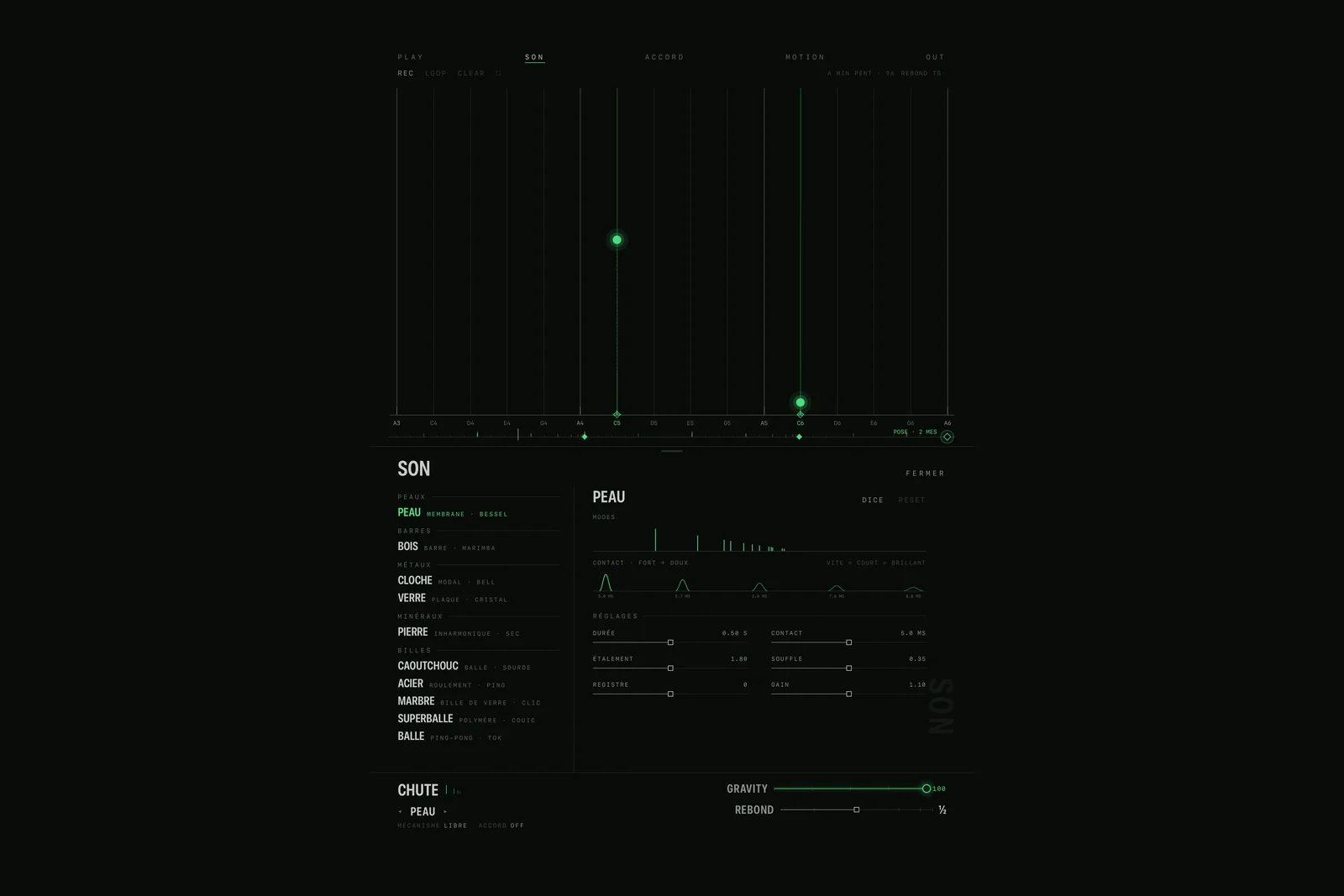
In your host
The AUv3 plugin has its own layout for the short windows of GarageBand, Logic and AUM, with the host's tempo, from 180 points high. On an iPhone Duo opened flat, the header no longer gets cut.
The sound and the gesture do not change. Rebond is free on the App Store for iPhone, iPad and Mac, with PRO for the app and STUDIO for the plugin.